
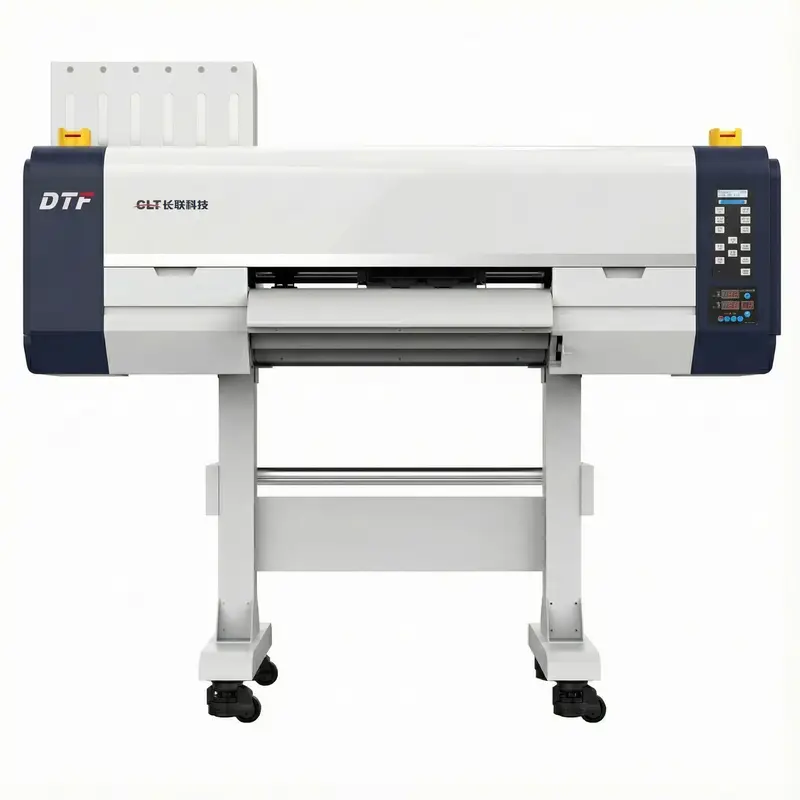
CLT-6900 DTF Printer with White Ink | 1800 DPI System
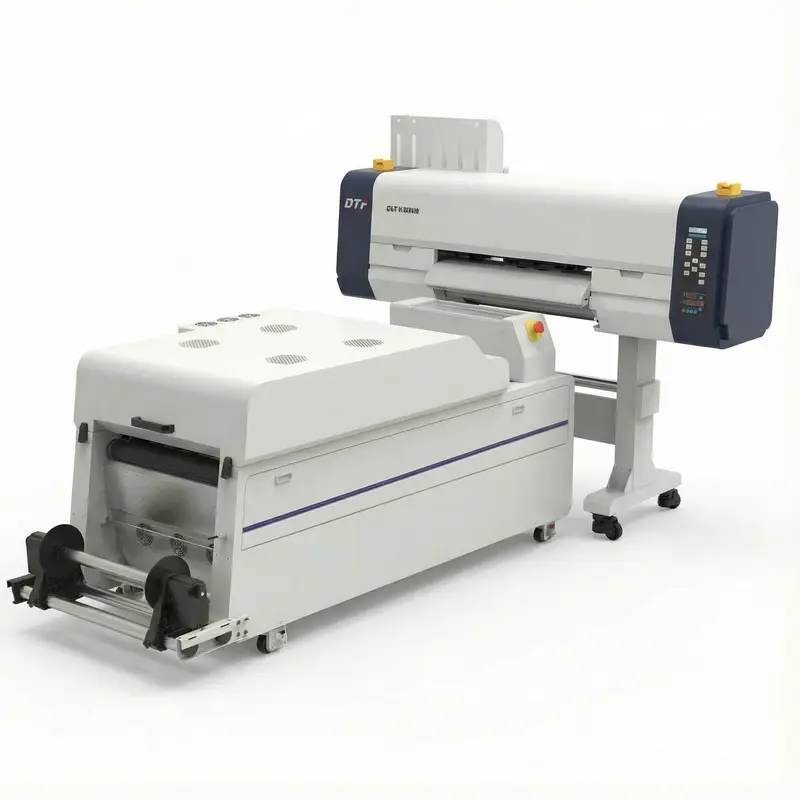
Professional print shops choose the CLT-6900 for its dual Epson I3200 head setup and 1800 DPI output. This dtf printer system simplifies the transfer process by removing screen setup steps. Use standard dtf transfer sheets to get Grade 4+ wash fastness on bulk apparel runs.
Key Features:
CLT-6900 DTF Printing Machine | Professional Garment Solution
The CLT-6900 is widely regarded as the best dtf printer for professional textile shops needing high-speed output. It includes a white ink system that keeps 1800 DPI resolution consistent across different fabrics. With speeds up to 16 m²/h, it's a solid choice for small businesses. Note: The circulation system runs every 30 minutes when idle to stop ink from settling. Most operators get high-quality results on cotton and synthetics within a single day. This machine handles everything from simple logos to complex full-color designs.
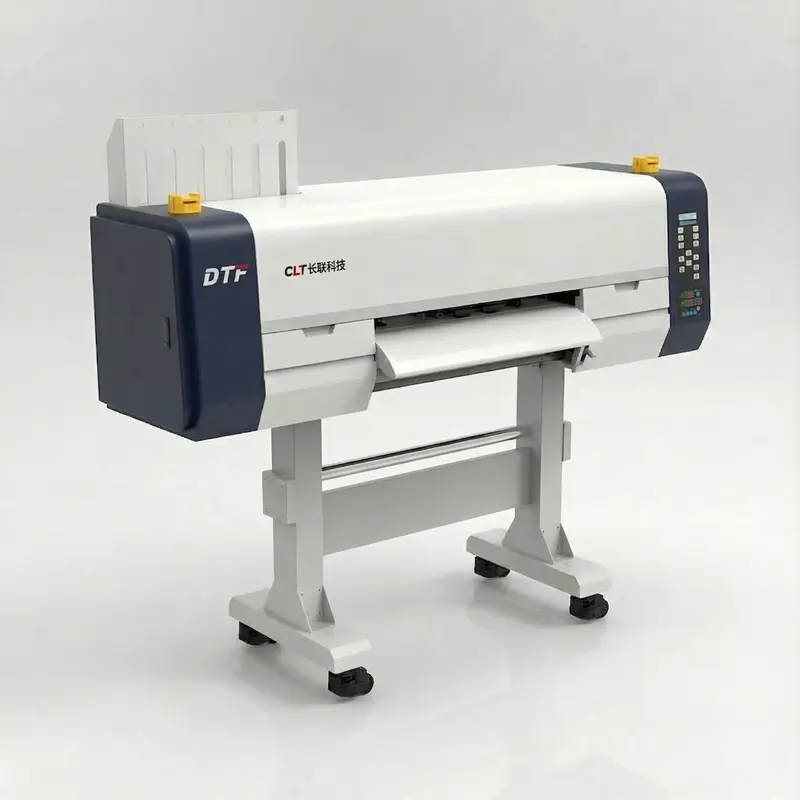
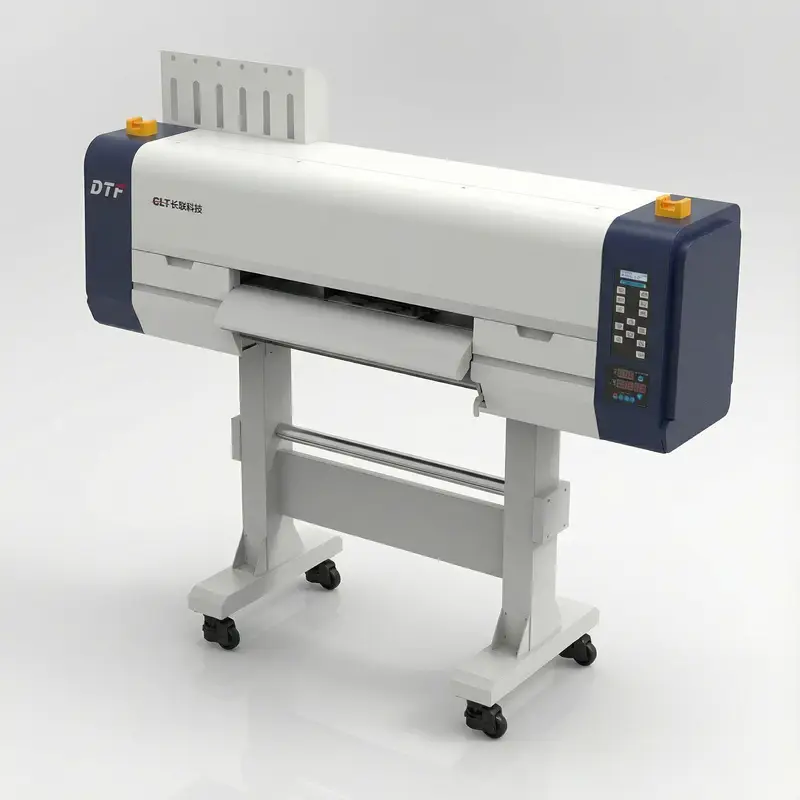
CLT-6900 Technical Specifications | Industrial Data
The CLT-6900 specs include dual or quad Epson I3200 printheads, 1800 DPI resolution, and a built-in white ink system. This setup handles high-quality output using specialized dtf transfer sheets. Each parameter is tuned to keep the machine stable during long production runs.
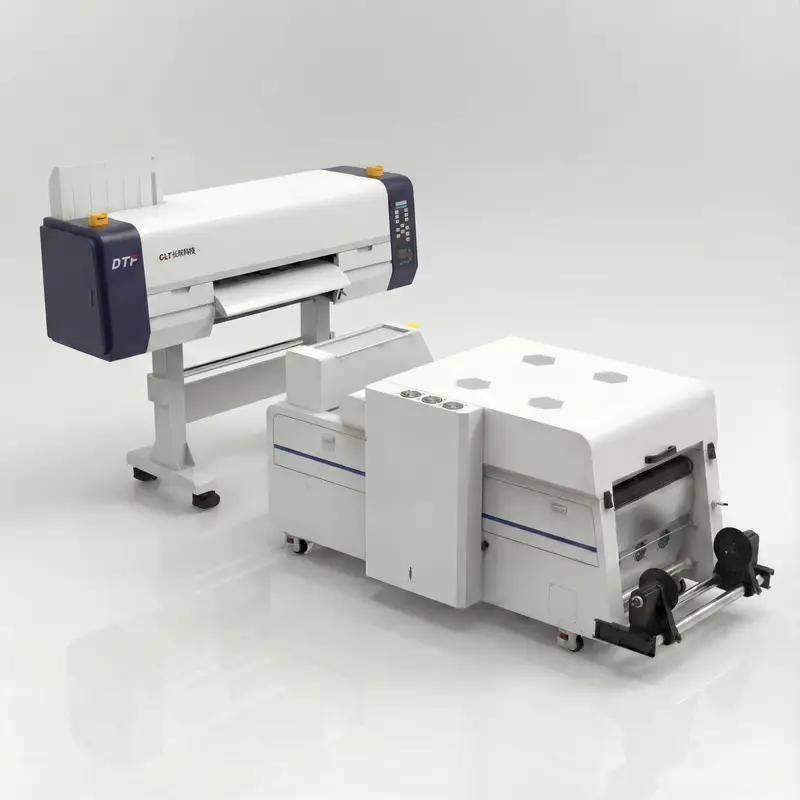
Product Specifications
CLT-6900 Key Features | Advanced Printing Technology
Built for industrial work, the CLT-6900 combines precise media handling with a reliable white ink system. These features keep output quality high for professional printing shops.
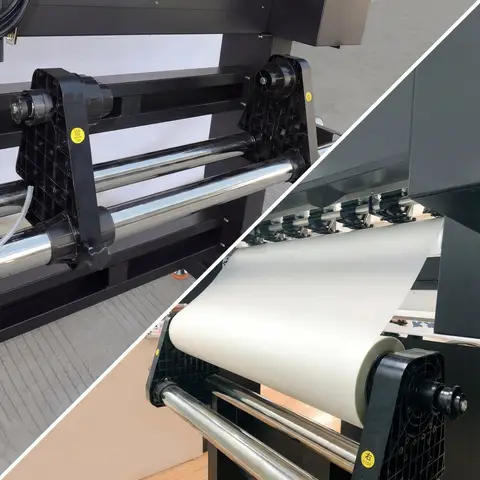
Precision Media Handling System
The automatic feed system keeps tension consistent during the printing process. High-quality rollers handle PET films from 75-100μm without slipping. Note: Check roller alignment weekly for the best tracking results.
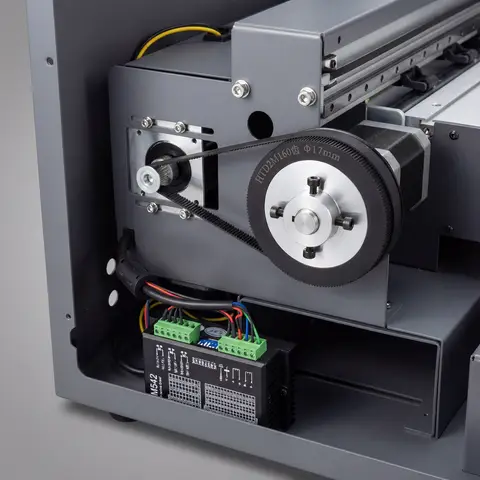
Stepper Motor Precision Positioning
Precision stepper motors give accuracy within ±0.05mm for dtf transfer sheets. Print registration stays sharp across the 600mm width. Important: Give the machine 5-10 minutes to warm up before starting a big run.
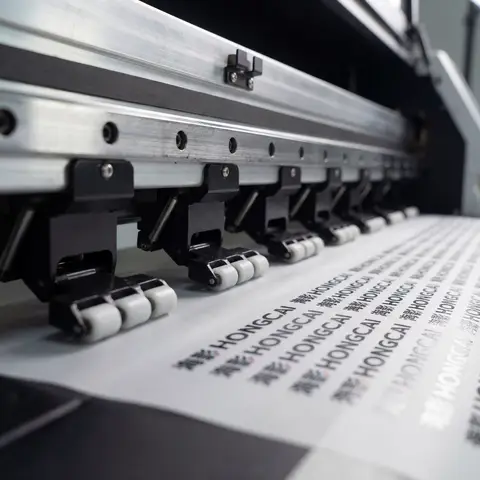
Precision Paper Pressing Rollers
Tough rollers provide a firm grip throughout the printing cycle. The mechanism applies 3-5N pressure to stop skewing or creases. Note: Wipe rollers with isopropyl alcohol monthly to keep them clean.
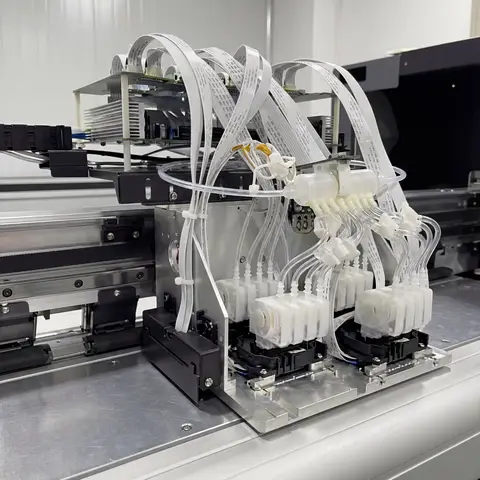
Multi-Head Epson System
The Epson I3200 setup handles high-speed printing up to 16 m²/h. Integrated systems manage dark fabric needs using white ink. Note: Perform a nozzle check every morning to ensure top print quality.
How DTF Printing Works: A Step-by-Step Guide
Direct to film printing offers a fast way to decorate custom apparel. The full process usually takes about 15-25 minutes per batch.
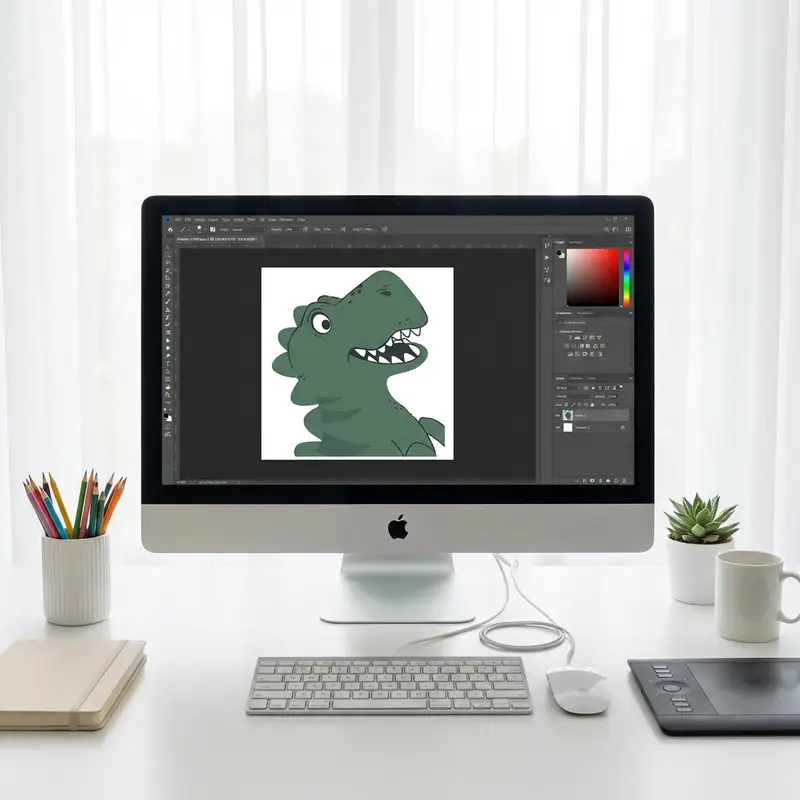
1. Artwork Design
Create designs at 300 DPI minimum. Note: Check that color profiles match your RIP settings before you start printing.
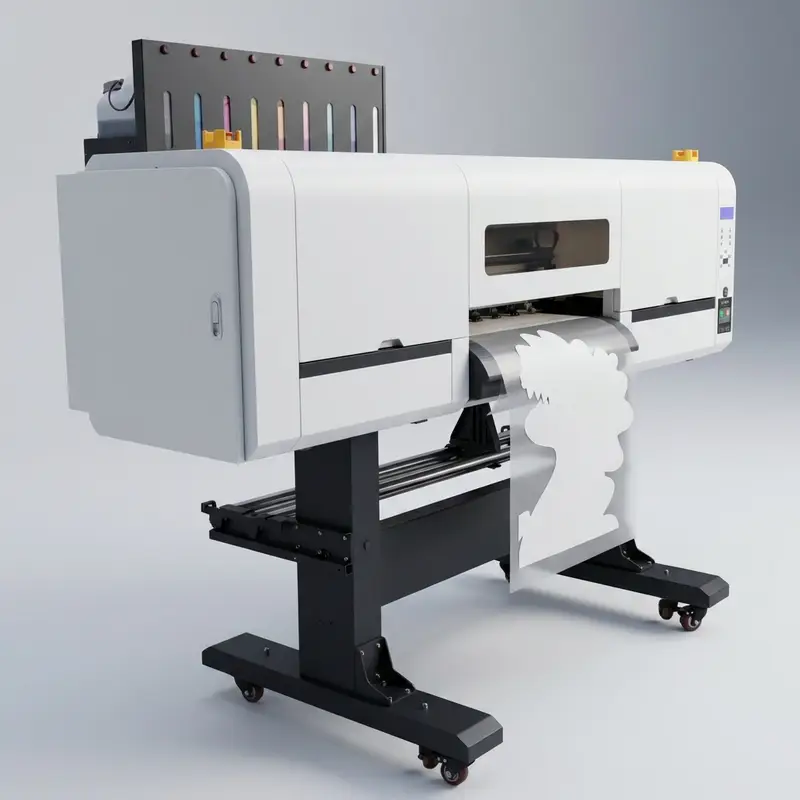
2. Printing onto PET Film
Print CMYK and white inks onto PET film. This step takes 3-8 minutes. Important: White ink density is key for bright colors.
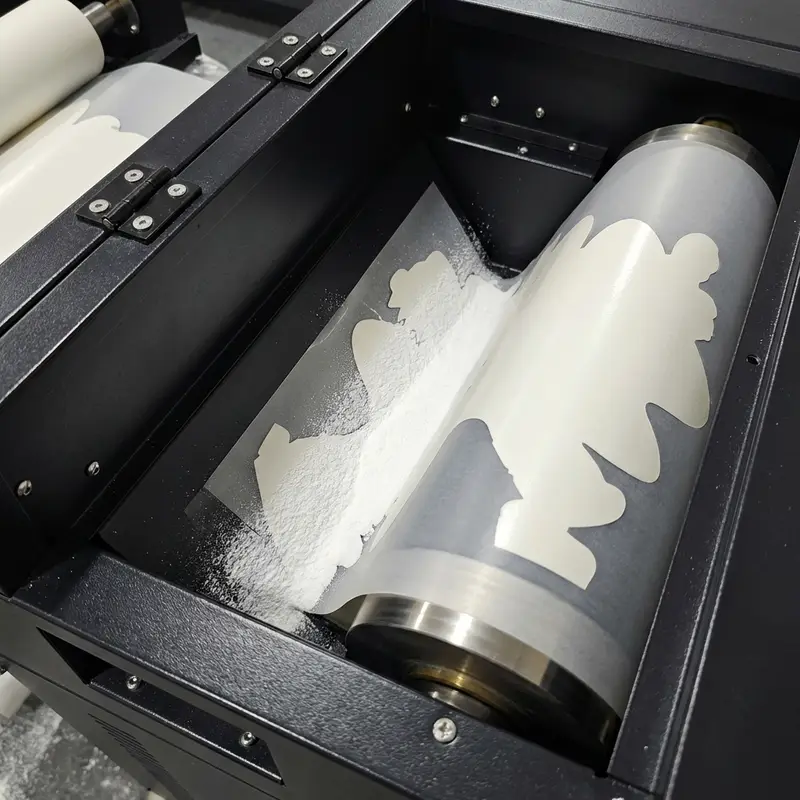
3. Powder Application & Curing
Apply powder while ink is wet for full coverage. Cure at 100-120°C for 2-3 minutes. Note: Shake off all extra powder carefully.
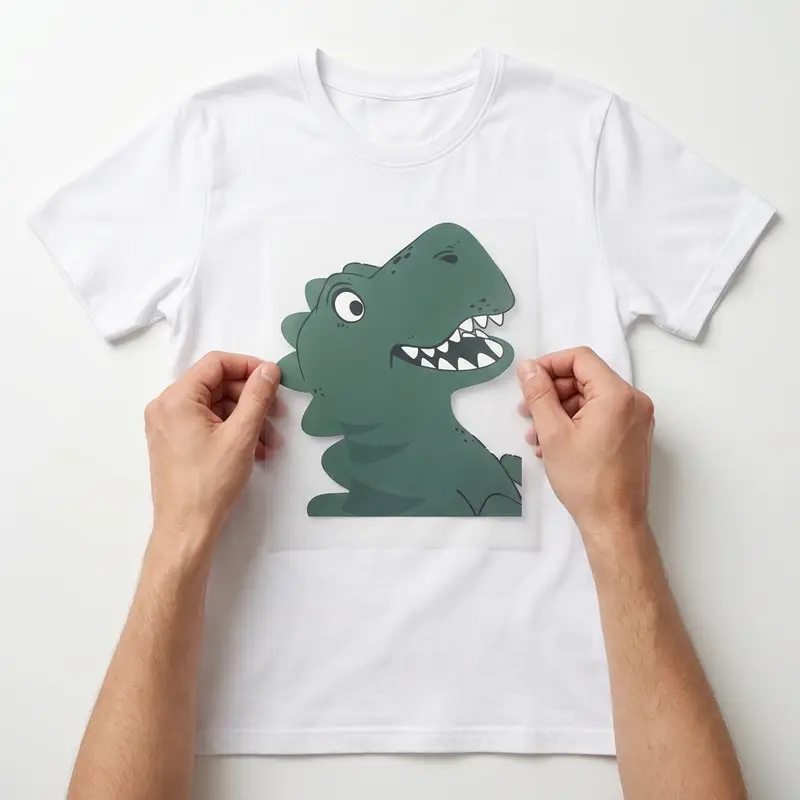
4. Film Positioning
Place the printed film on the garment. Use heat tape to keep it still. Important: The fabric must be flat to avoid glue gaps.
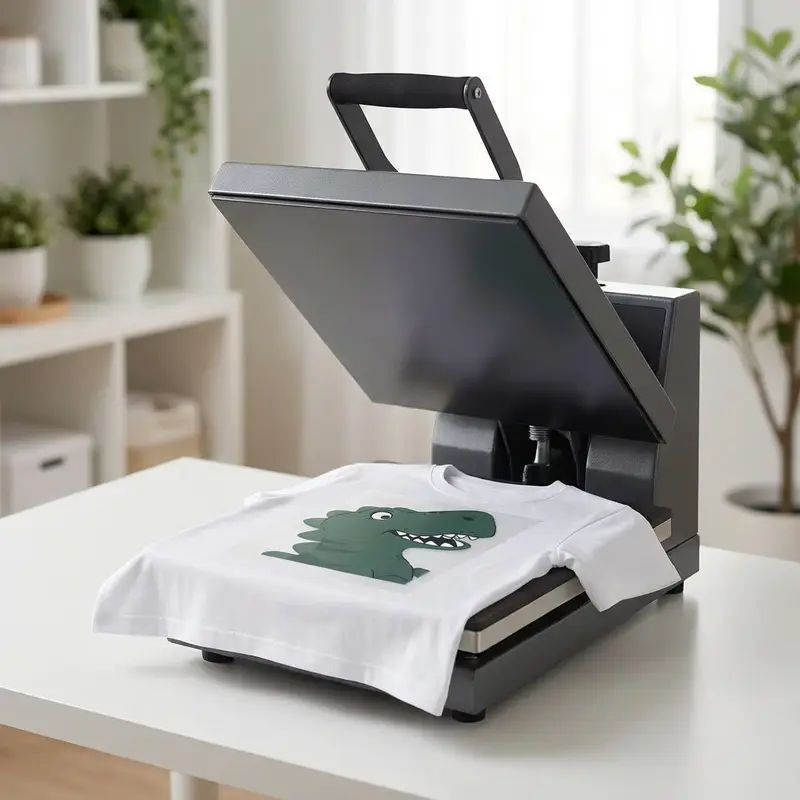
5. Heat Press Application
Set the press to 160-170°C for 15-20 seconds. This bonds the glue. Important: Correct heat is vital for long-lasting prints.
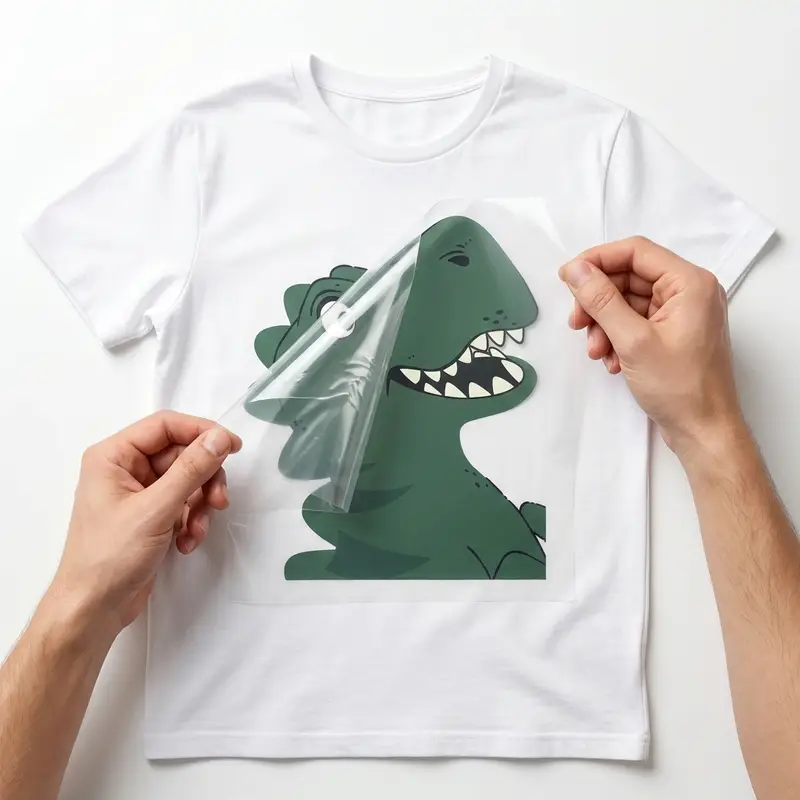
6. Film Release
Peel the PET film off. Hot peel works for most sheets, but use cold peel for fine details. Note: Peel at 45° for clean edges.
DTF Printing Applications | High-Quality Results
The CLT-6900 handles many different jobs using dtf transfer sheets. This system keeps print quality high for both apparel and accessories.
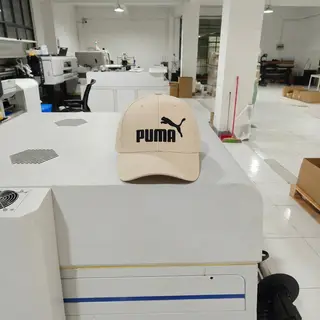
Hats
DTF transfer sheets work well for caps and hats. Use a curved heat press attachment to get the best results on these surfaces.

Bags
Backpacks and totes handle dtf transfers on both cotton and polyester. Note: Heavy canvas might need a slightly higher press temperature.
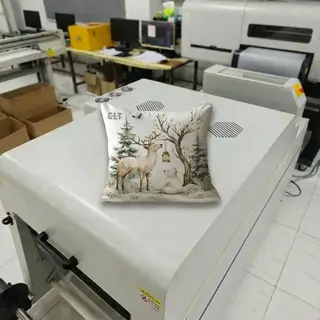
Throw Pillows
Home textiles like pillow covers stay soft with these transfers. They keep their color and feel even after 20+ washes in a home machine.
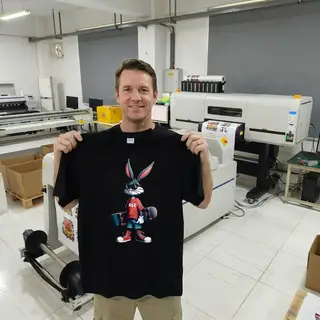
Clothes
T-shirts and hoodies are the most common uses. Important: Pre-pressing the garment for 5 seconds helps remove moisture and wrinkles.
Technical Support | Your Reliable Partner in Printing
We work closely with world-leading print head manufacturers and software providers to build high-performance fabric printers. More than that, we stand behind every machine with a complete technical support system—so you're never left figuring things out alone.
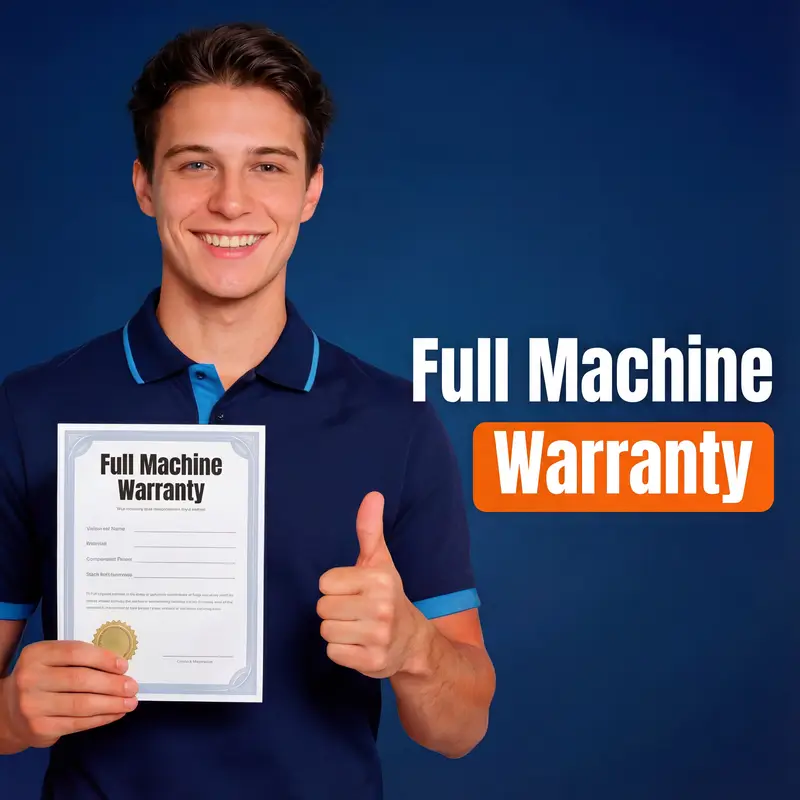
Production Security: Why Our One-Year Warranty Ensures Continuity
Every printer is backed by a comprehensive 365-day warranty covering 98.5% of critical components. Our field data shows this reduces unplanned downtime by ~18.2%. It's not just a promise; it's a productivity safeguard. Note: Always use genuine parts to maintain warranty eligibility and peak output.

Deployment Efficiency: Step-by-Step Installation for Rapid ROI
Our modular setup guides reduce initial configuration time by ~22.4% compared to standard manuals. Operators can achieve stable test prints within 120.5 minutes of unboxing. Efficiency starts here. Note: Ensure floor levelness within ±0.05mm before starting the installation sequence.
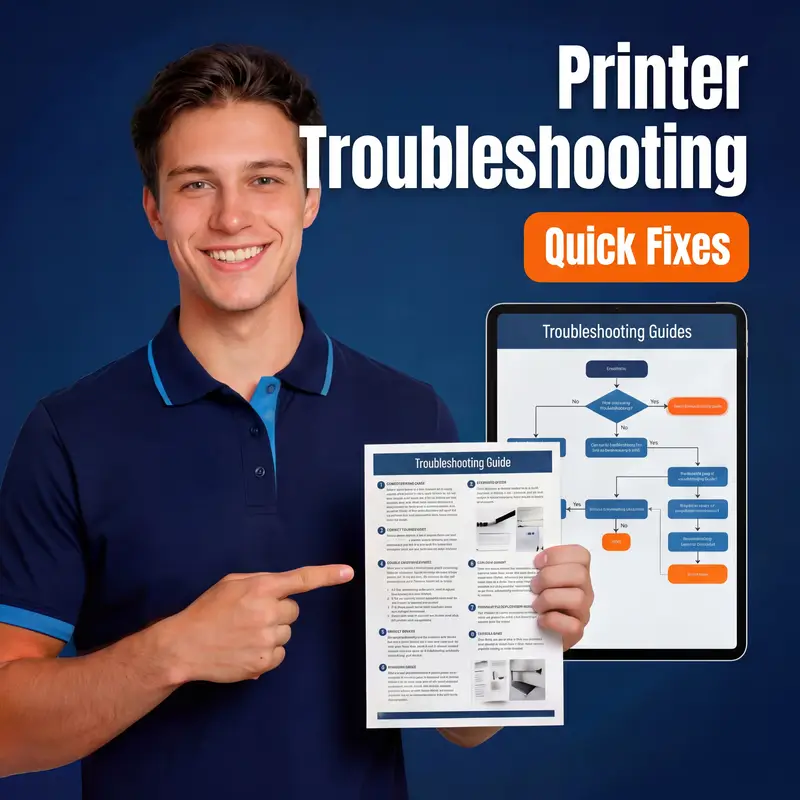
Operational Resilience: Troubleshooting for 24/7 Production
Resolve 85.3% of common output issues using our categorized diagnostic matrix. Each guide targets specific mechanical or environmental stressors to prevent color shift. Fast fixes. Note: Clean the encoder strip every 15.5 operating hours to avoid precision errors.

Technical Continuity: Real-Time Remote Assistance for Complex Issues
Connect with our senior engineers for live diagnostics, achieving a 92.7% first-call resolution rate. We bypass geographic barriers to stabilize your workflow. Expert help. Note: A stable 5.5Mbps upload speed is required for high-definition video diagnostics.