
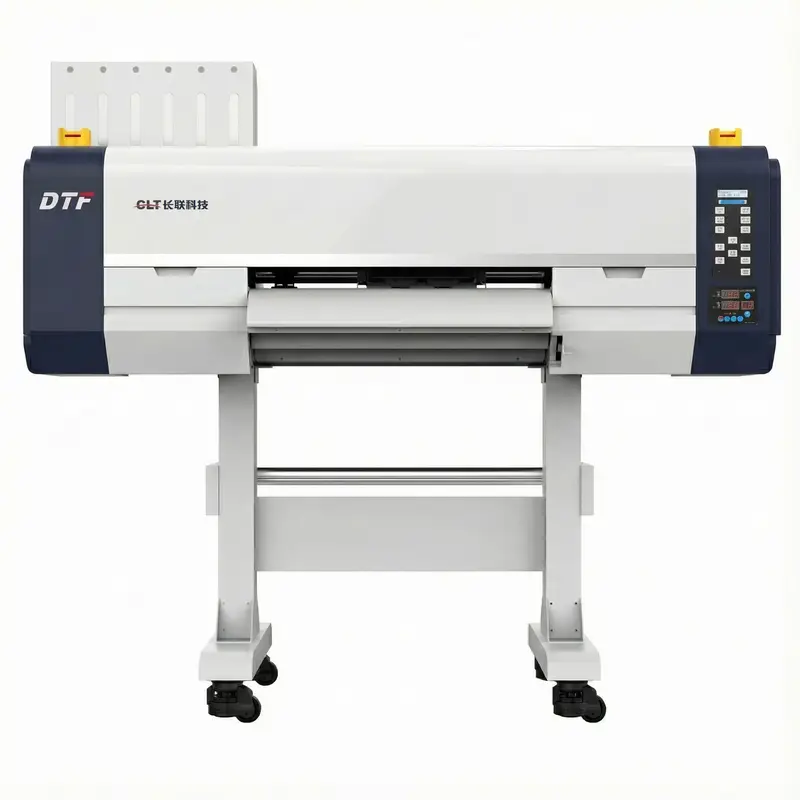
CLT-6900-4 Fluorescent DTF Printing Machine | Commercial Epson I3200 System
The CLT-6900-4 is a DTF printer with fluorescent ink capability for commercial textile production. It uses 4 Epson I3200 printheads to support simultaneous CMYK, fluorescent, and white output. Production speeds reach 14 m²/h in 4-pass mode.
Key Features:
CLT-6900-4 DTF Printing Machine with Fluorescent Capability
The CLT-6900-4 is a DTF printing machine designed for commercial operations requiring fluorescent output. It uses 4 Epson I3200 printheads for simultaneous CMYK, fluorescent, and white ink printing. The fluorescent system produces vibrant designs visible under both normal and UV lighting. This makes the unit suitable for sportswear and promotional items requiring high visual impact. Note: Operating environment should maintain 15-25°C and 30-65% humidity. The three-section heating system requires approximately 10-15 minutes warm-up before production.
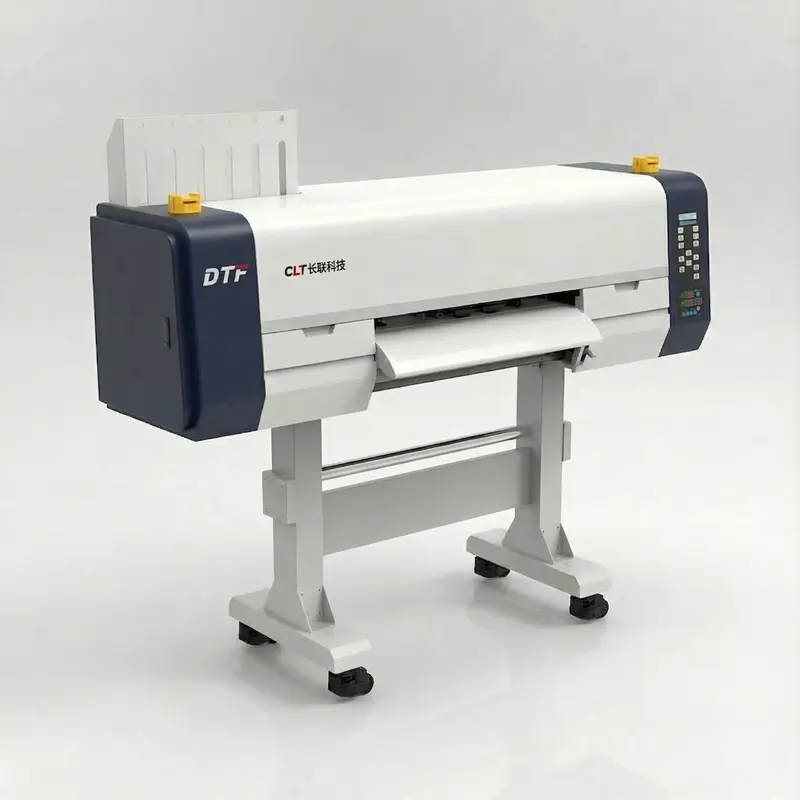
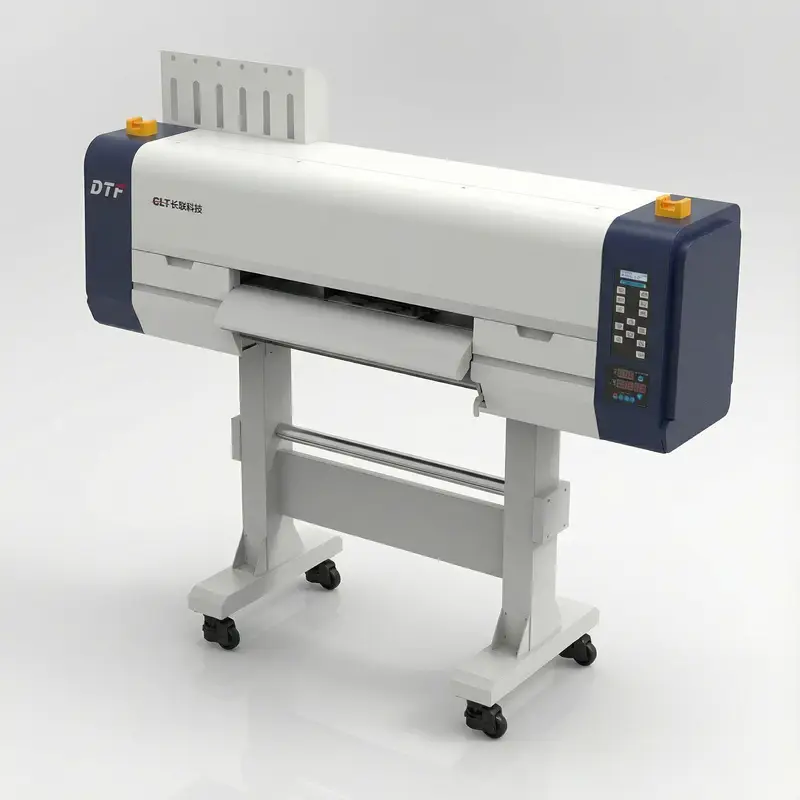
CLT-6900-4 DTF Printing Machine Technical Specifications
Technical specifications for the CLT-6900-4 commercial DTF printing machine. This system features Epson I3200 printheads and supports fluorescent ink output for professional textile decoration.
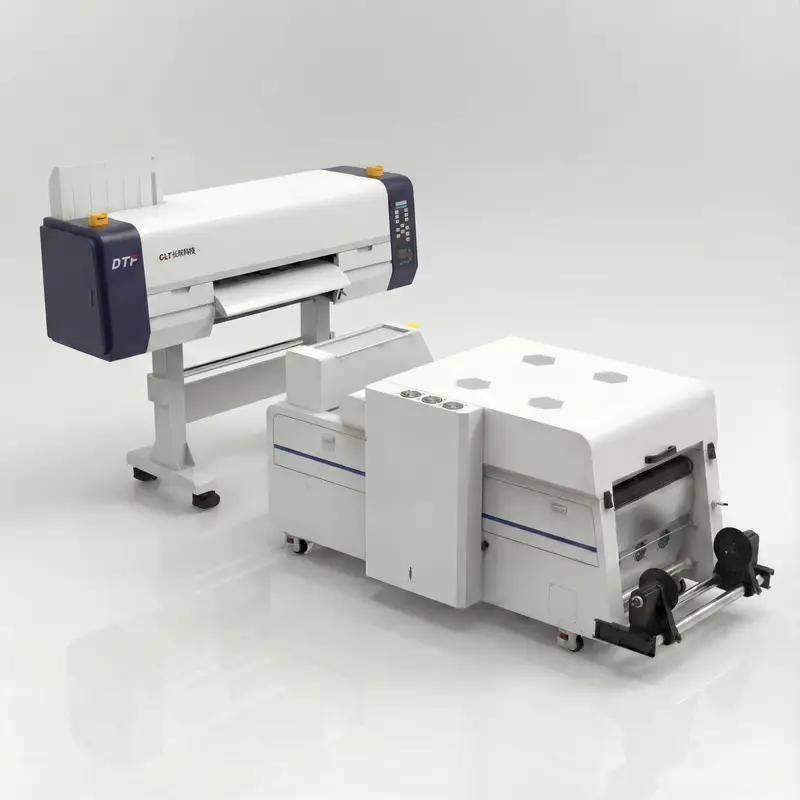
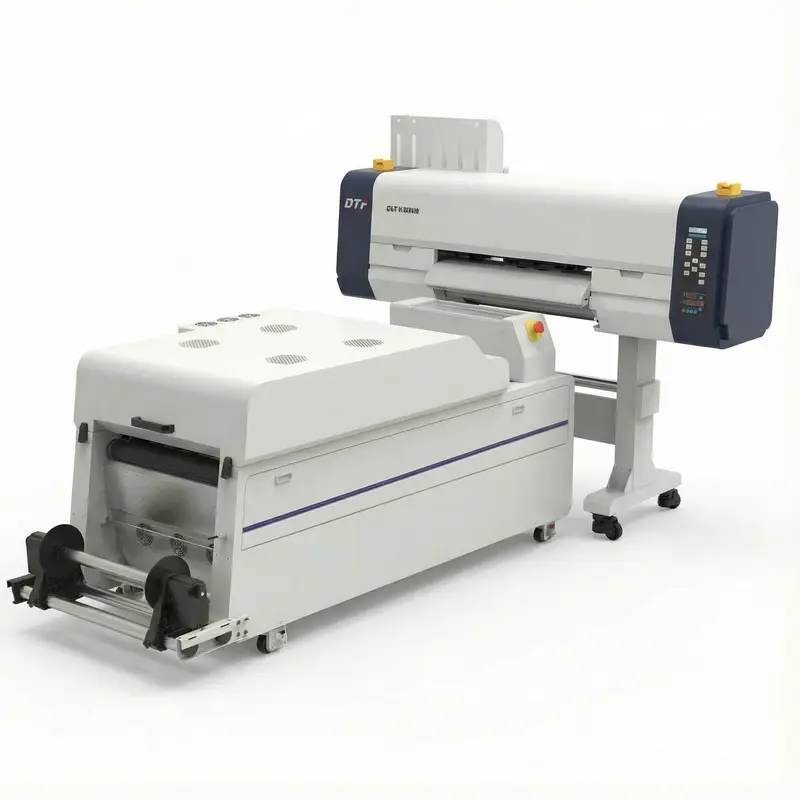
Product Specifications
CLT-6900-4 DTF Printing Machine Key Features
The CLT-6900-4 is a professional DTF printing machine with fluorescent capability. The system combines a 4-printhead configuration with advanced media handling for commercial output.
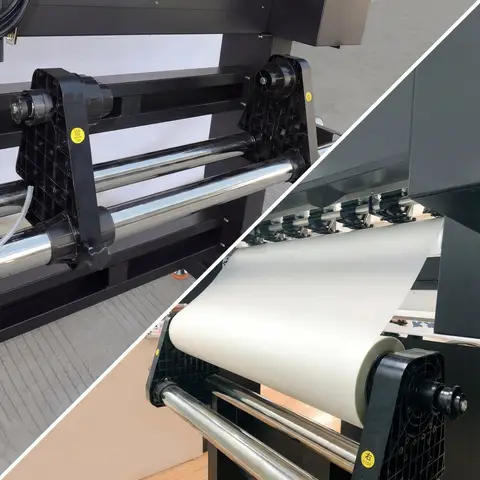
Precision Media Handling System
Automatic film retraction maintains consistent media tension during printing. The system handles PET films up to 600mm width without manual intervention. Note: Verify film alignment before starting large batches. Setup typically takes 2-3 minutes.
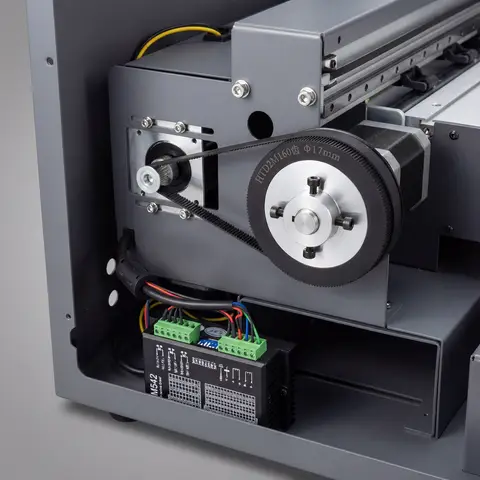
Stepper Motor Precision Positioning
Four Epson I3200 printheads provide simultaneous color and white output. This configuration maintains registration accuracy within ±0.02mm across the 600mm print width. Important: Run nozzle checks at the start of each shift (approximately 3-5 minutes).
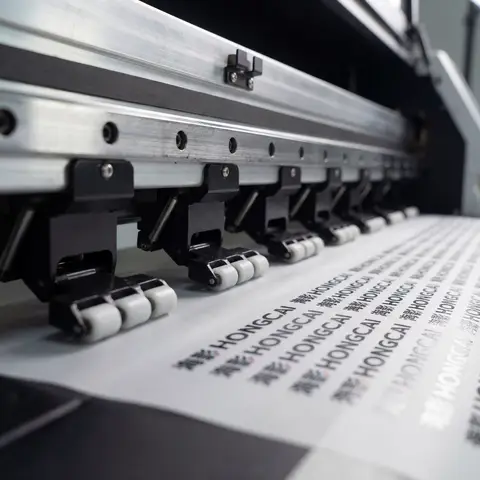
Precision Paper Pressing Rollers
Front, middle, and rear heating zones provide consistent ink curing. Each zone adjusts independently based on production requirements. Note: Heating zones reach operating temperature in 10-15 minutes. This design reduces energy consumption.
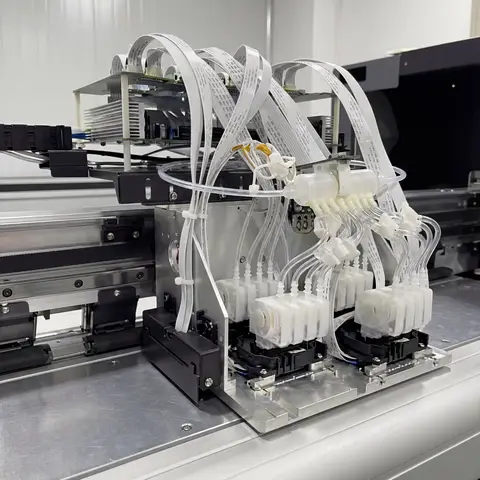
Multi-Head Epson DTF Printer System
Fluorescent ink capability produces designs with enhanced brightness. The continuous ink supply system maintains consistent flow during extended production runs. Important: Store fluorescent inks away from direct sunlight. Check levels before starting production.
DTF Heat Transfer Process: Step-by-Step Guide
The DTF heat transfer process using this system typically takes 15-25 minutes per batch. The fluorescent ink capability adds visual impact without changing the basic workflow.
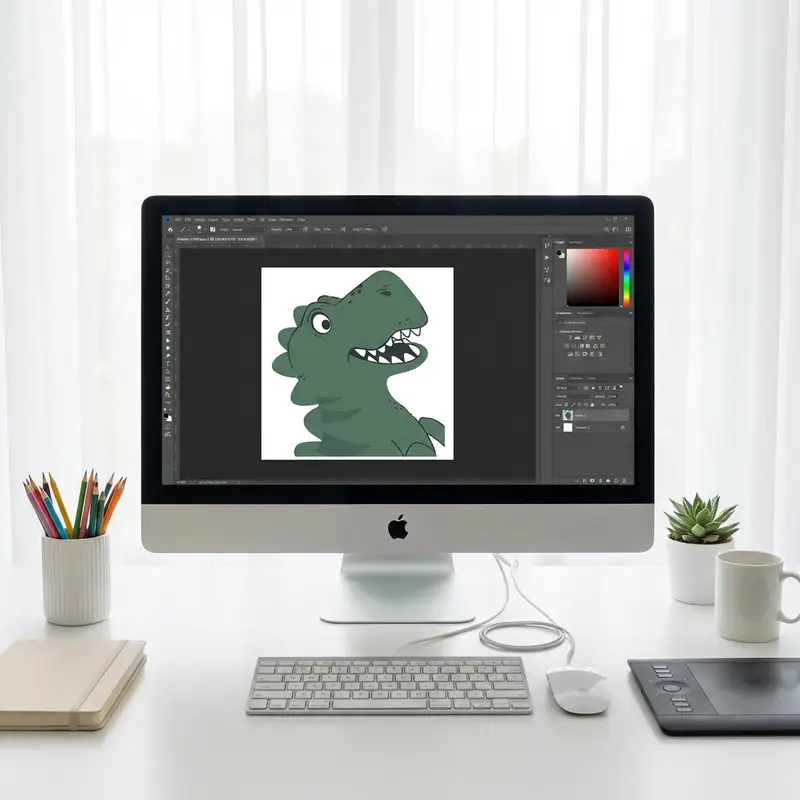
1. Artwork Design
Prepare artwork in Illustrator or CorelDRAW at 300 DPI minimum. Mirror the design before printing. Fluorescent channels require separate layer setup in the RIP software.
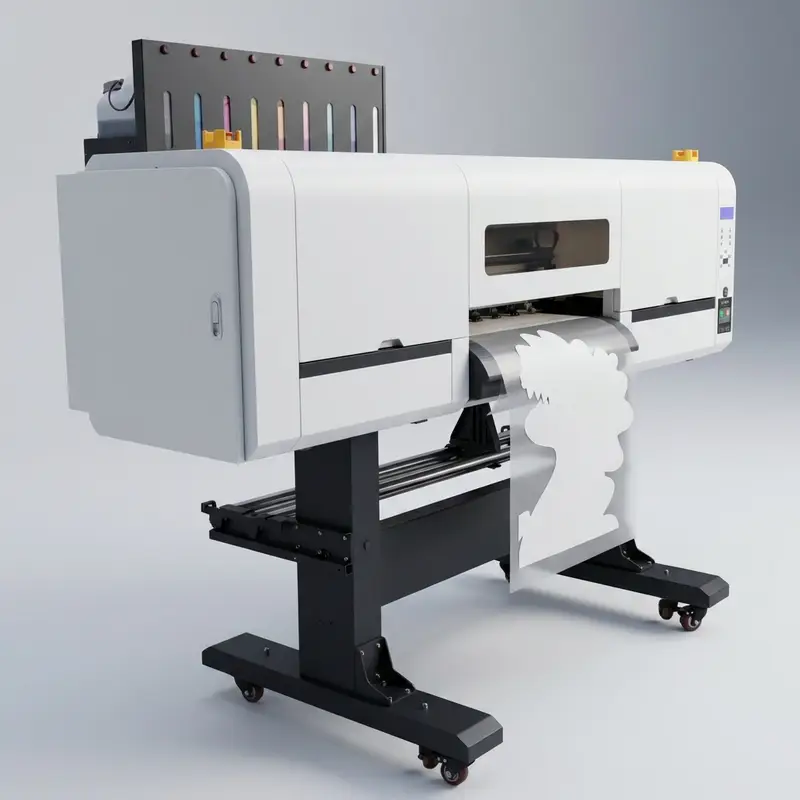
2. DTF Printing onto PET Film
The system applies CMYK, fluorescent, and white inks onto PET film. 4-printhead configuration allows simultaneous output, reducing print time to approximately 3-8 minutes.
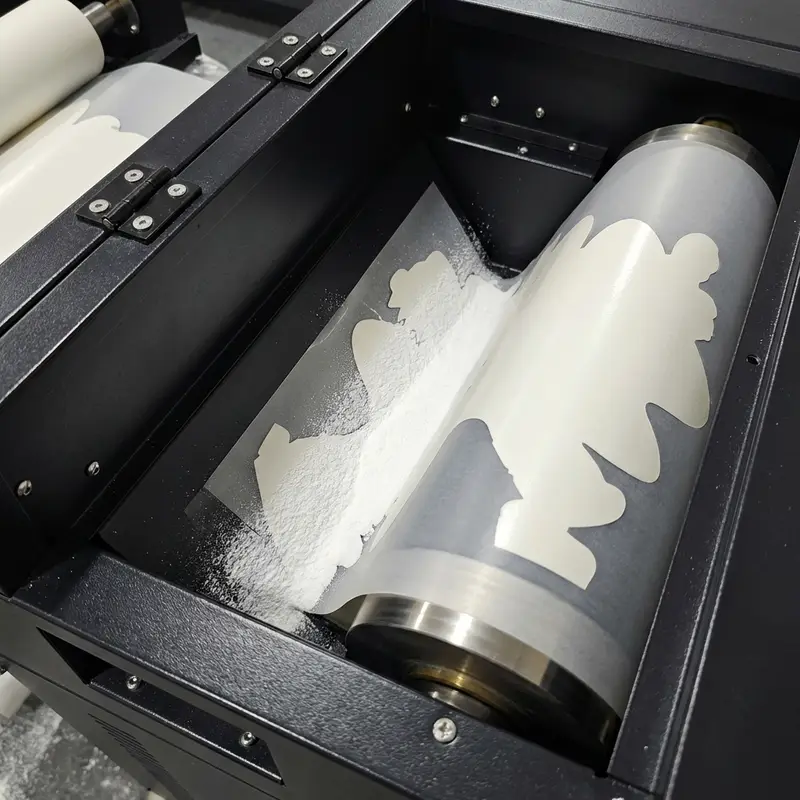
3. DTF Powder Application & Curing
TPU powder is applied to tacky ink. The film cures at 100-120°C for 2-3 minutes. The three-section heating system maintains consistent temperature across the curing zone.
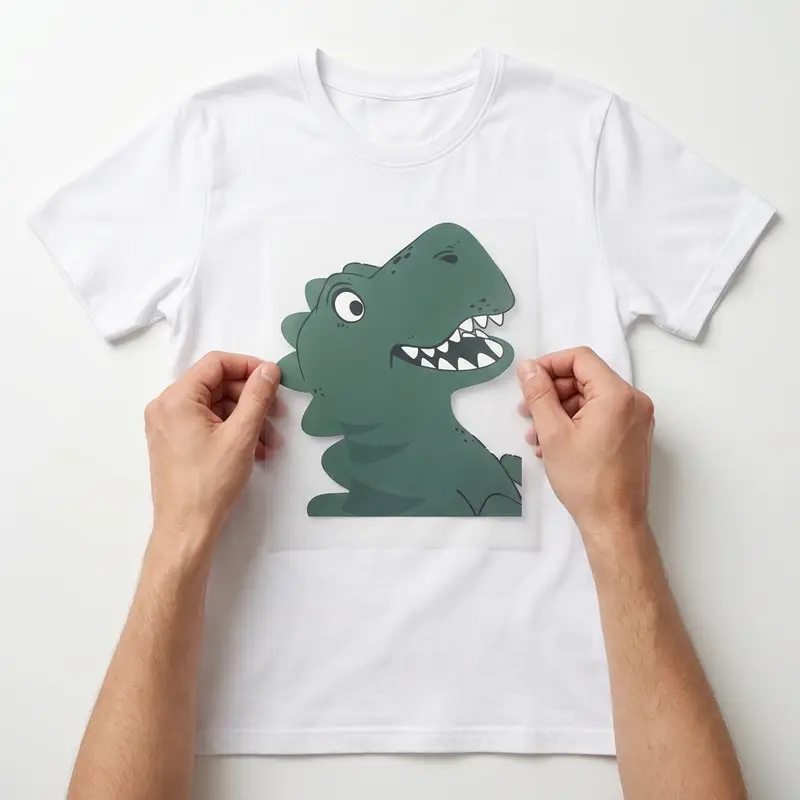
4. Precision Film Positioning
Place garment on the heat press and position the cured PET film. Pre-press fabric for 3-5 seconds to remove moisture. Alignment marks help with placement accuracy.
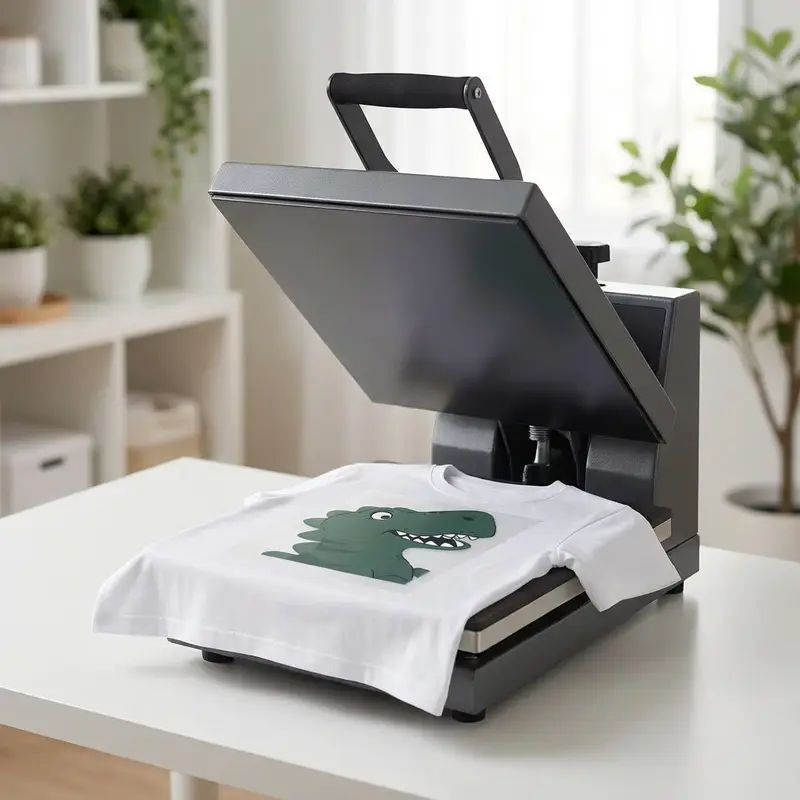
5. DTF Heat Transfer Press Application
Settings for fluorescent transfers: 160-170°C, medium pressure, 15-20 seconds. This activates the adhesive for bonding. Important: Lower settings may affect wash fastness.
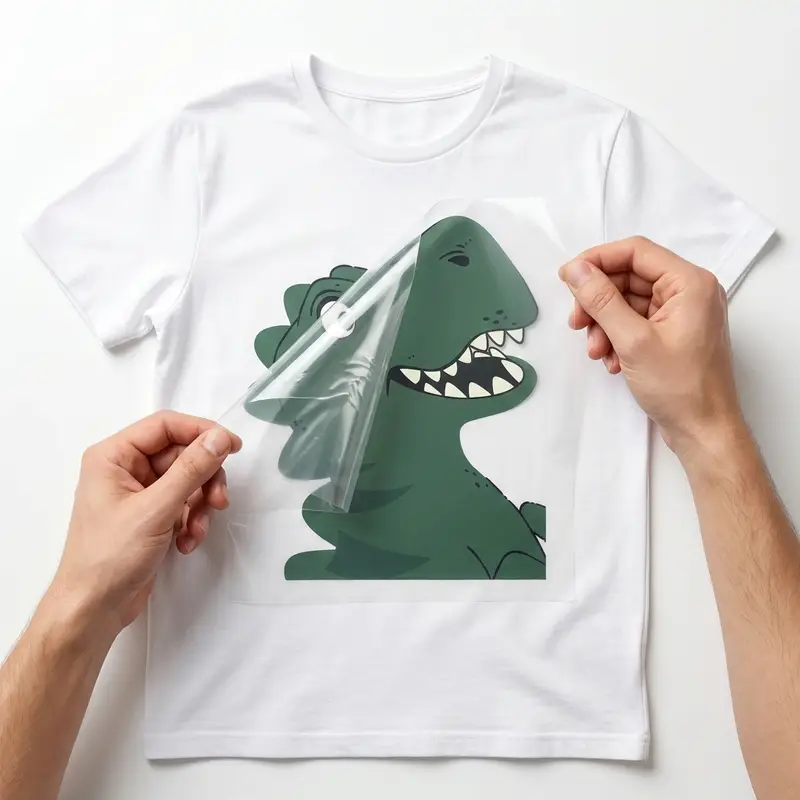
6. Film Release
Peel the PET film at a 45° angle after pressing. Fluorescent transfers typically use hot peel for faster throughput. Wait 5-10 seconds before removal for best results.
Commercial Applications | DTF Printing Machine Versatility
The CLT-6900-4 fluorescent DTF system supports various textile decoration applications with high durability and color impact.
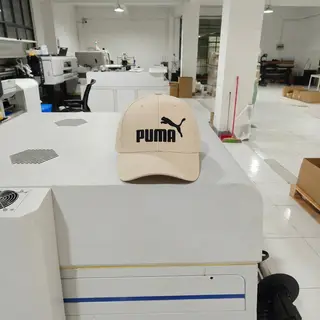
Hats
DTF printing produces durable decoration on caps and hats. The fluorescent ink maintains color vibrancy through regular use. Note: Curved surfaces require careful positioning.

Bags
Apply designs to backpacks, totes, and promotional bags. The adhesive layer bonds securely to polyester and nylon substrates. Note: Test adhesion on coated fabrics before production.
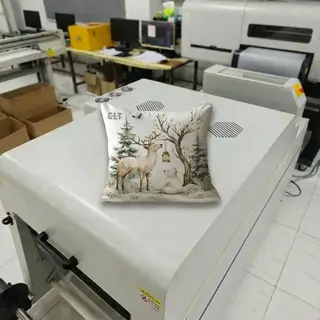
Throw Pillows
Create custom home decor with bright, fluorescent patterns. The prints maintain a soft hand feel and high wash fastness. Production typically requires 15-20 minutes per batch.
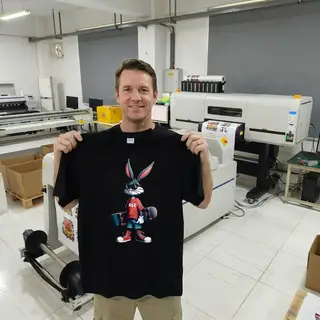
Clothes
Suitable for sportswear, safety apparel, and custom t-shirts. The 4-printhead system supports high-volume garment decoration. Most operators achieve proficiency within one business day.
Technical Support | Your Reliable Partner in Printing
We work closely with world-leading print head manufacturers and software providers to build high-performance fabric printers. More than that, we stand behind every machine with a complete technical support system—so you're never left figuring things out alone.

Production Security: Why Our One-Year Warranty Ensures Continuity
Every printer is backed by a comprehensive 365-day warranty covering 98.5% of critical components. Our field data shows this reduces unplanned downtime by ~18.2%. It's not just a promise; it's a productivity safeguard. Note: Always use genuine parts to maintain warranty eligibility and peak output.

Deployment Efficiency: Step-by-Step Installation for Rapid ROI
Our modular setup guides reduce initial configuration time by ~22.4% compared to standard manuals. Operators can achieve stable test prints within 120.5 minutes of unboxing. Efficiency starts here. Note: Ensure floor levelness within ±0.05mm before starting the installation sequence.
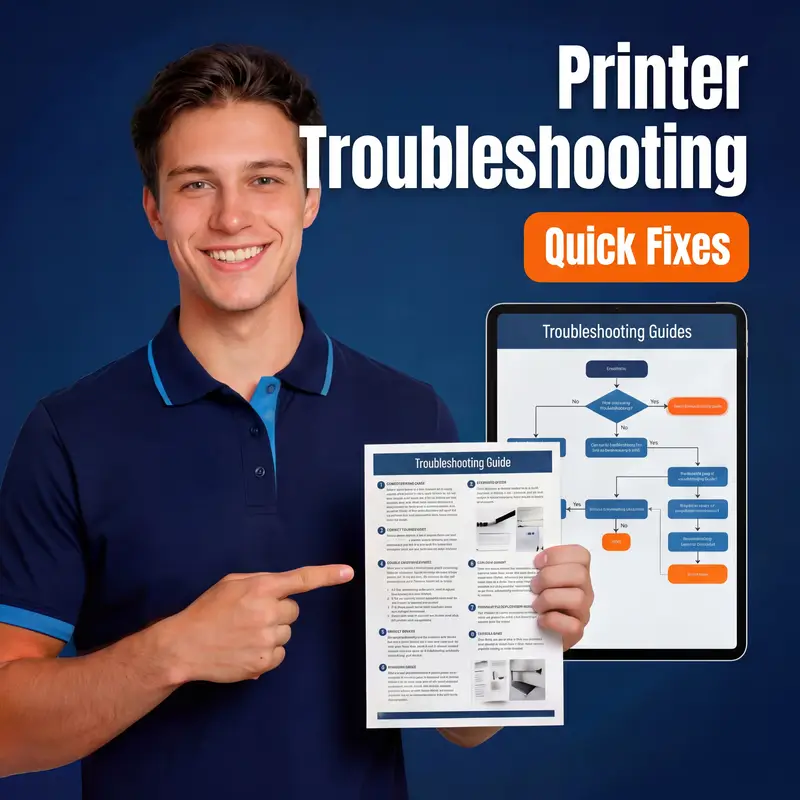
Operational Resilience: Troubleshooting for 24/7 Production
Resolve 85.3% of common output issues using our categorized diagnostic matrix. Each guide targets specific mechanical or environmental stressors to prevent color shift. Fast fixes. Note: Clean the encoder strip every 15.5 operating hours to avoid precision errors.

Technical Continuity: Real-Time Remote Assistance for Complex Issues
Connect with our senior engineers for live diagnostics, achieving a 92.7% first-call resolution rate. We bypass geographic barriers to stabilize your workflow. Expert help. Note: A stable 5.5Mbps upload speed is required for high-definition video diagnostics.